⚾ Designation Hitter ⚾
Select Hand
Webcam Aspect Ratio
Select Mode
Light: Recommended for old or low-performance devices.
Normal: Standard experience for most modern devices.
Extreme: Requires high performance device for smooth tracking.
Sync Your Bat
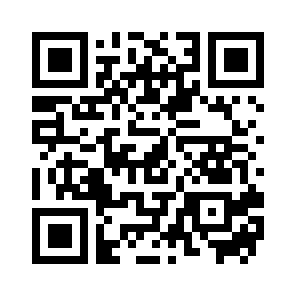
- Open this page on your laptop or PC which has a webcam.
- Open the camera on your phone and scan the QR code to use it as a bat.
- Click the Start Game button below and grant access to webcam.
- Ensure that the webcam is pointing as straight as possible and perpendicular to the ground.
- Enter the sync code shown on your laptop screen on your smartphone.
- The game may take a while to load and initial position of the batter may be inaccurate.
- Stand roughly 2 meters away from your webcam and ensure both feet are visible.
- To improve visibility, consider going full-screen and click the Highlight Ball button on the top right.
- Click on "Start Next Pitch" on your smartphone to start the delivery.
- The batter is positioned in the box when you start a new pitch
- If bat orientation feels off, click the re-orient button on the phone.
- Once 9 innings are over, click the retry button so that your score is recorded.
- You can also click the "Get Invite Code" on bottom right to get a link to challenge friends on same pitches.
Play at your own risk. Stay safe and have fun!